
How do I create a new event in the Les Amis Partners Portal?
To create a new event, follow these key steps to ensure it’s clear, engaging, and informative for members:
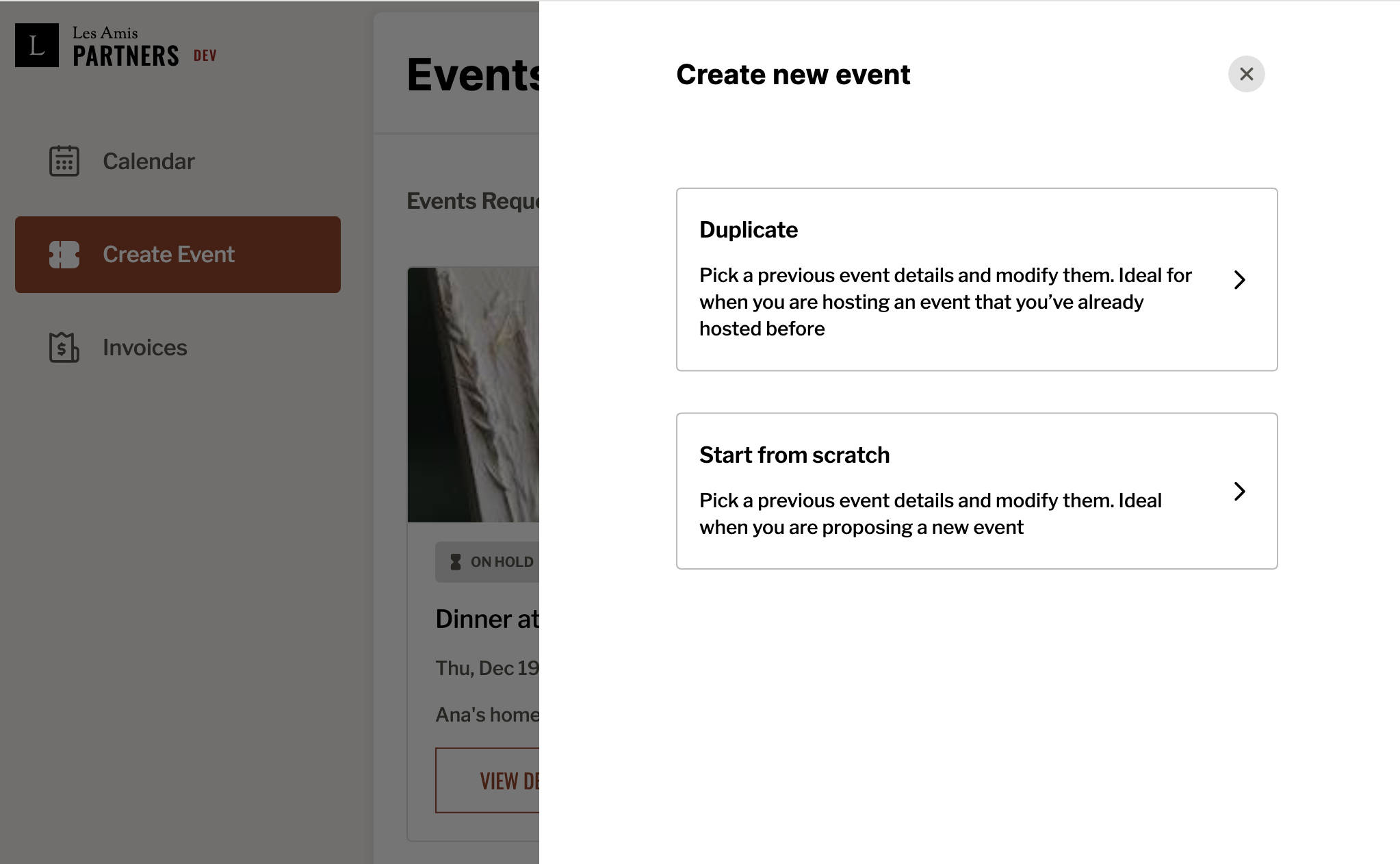
If you are uploading event for the first time make sure to go on Start from scratch at the menu below.
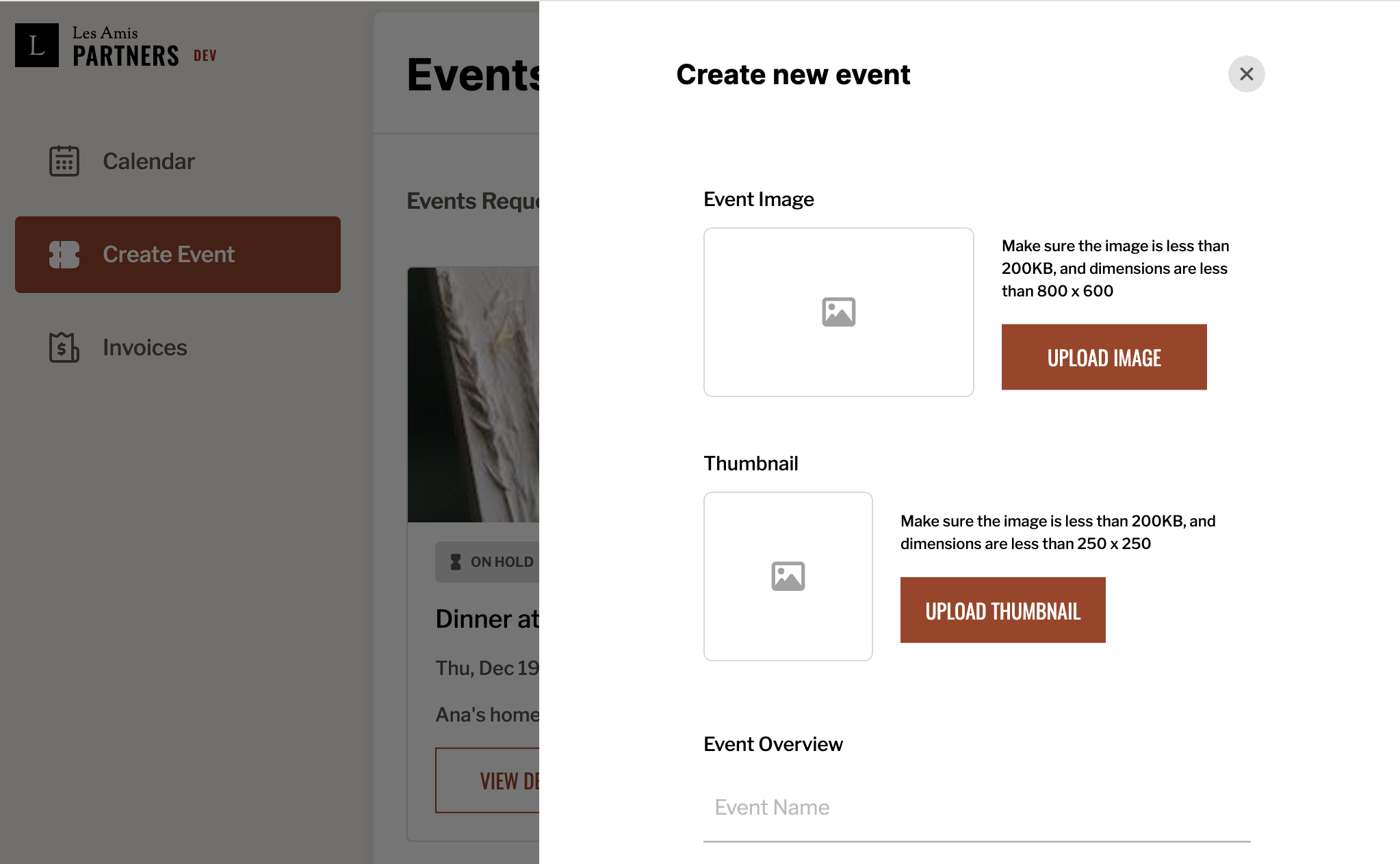
Start by uploading high-quality images in the requested size that visually and aesthetically represent your event.
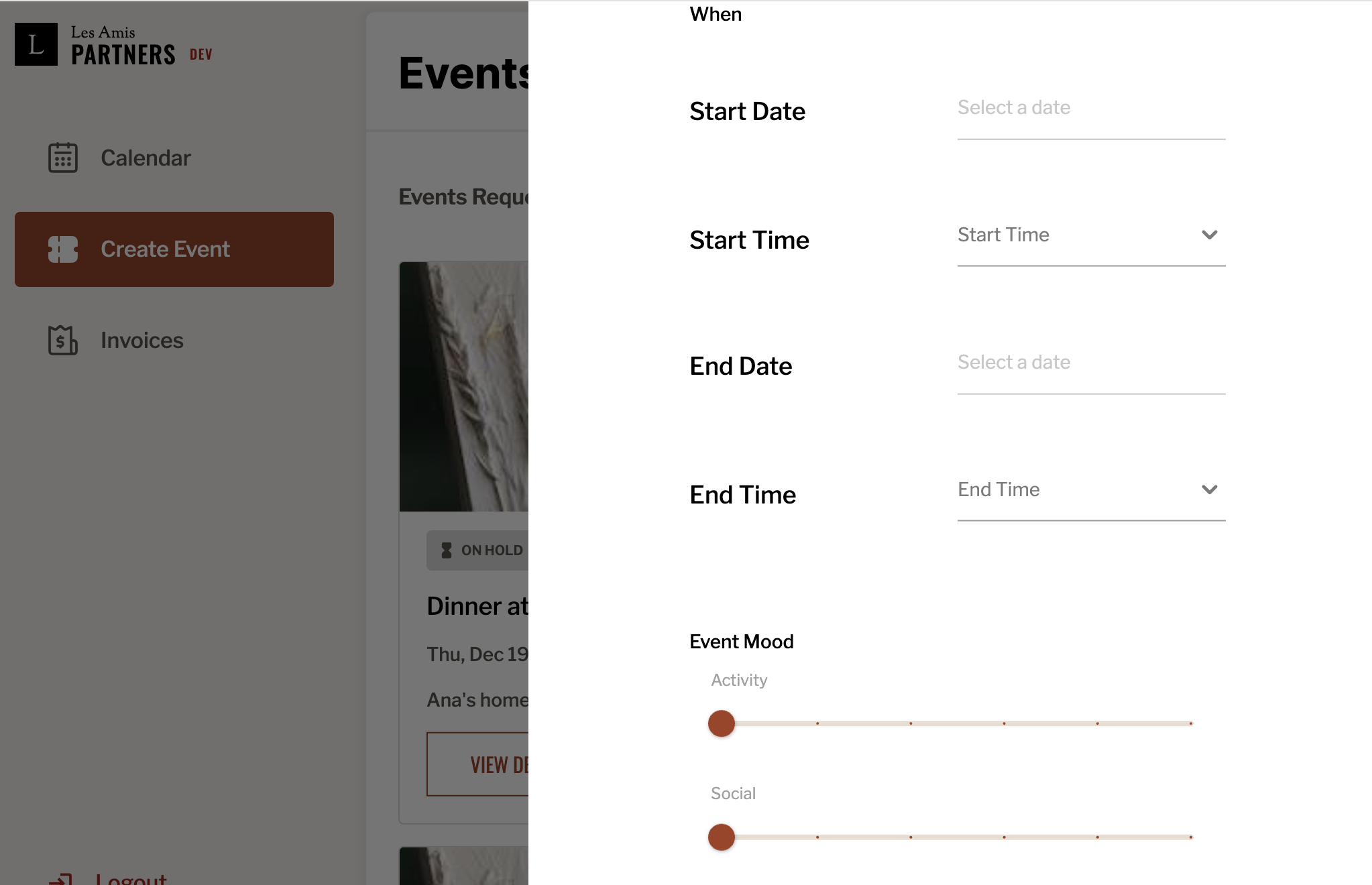
Then, fill in all the event details, including the date, time, and mood. For example, DIY and sports events should be marked as maximum Activity, while brunches and networking events are more Social in nature.
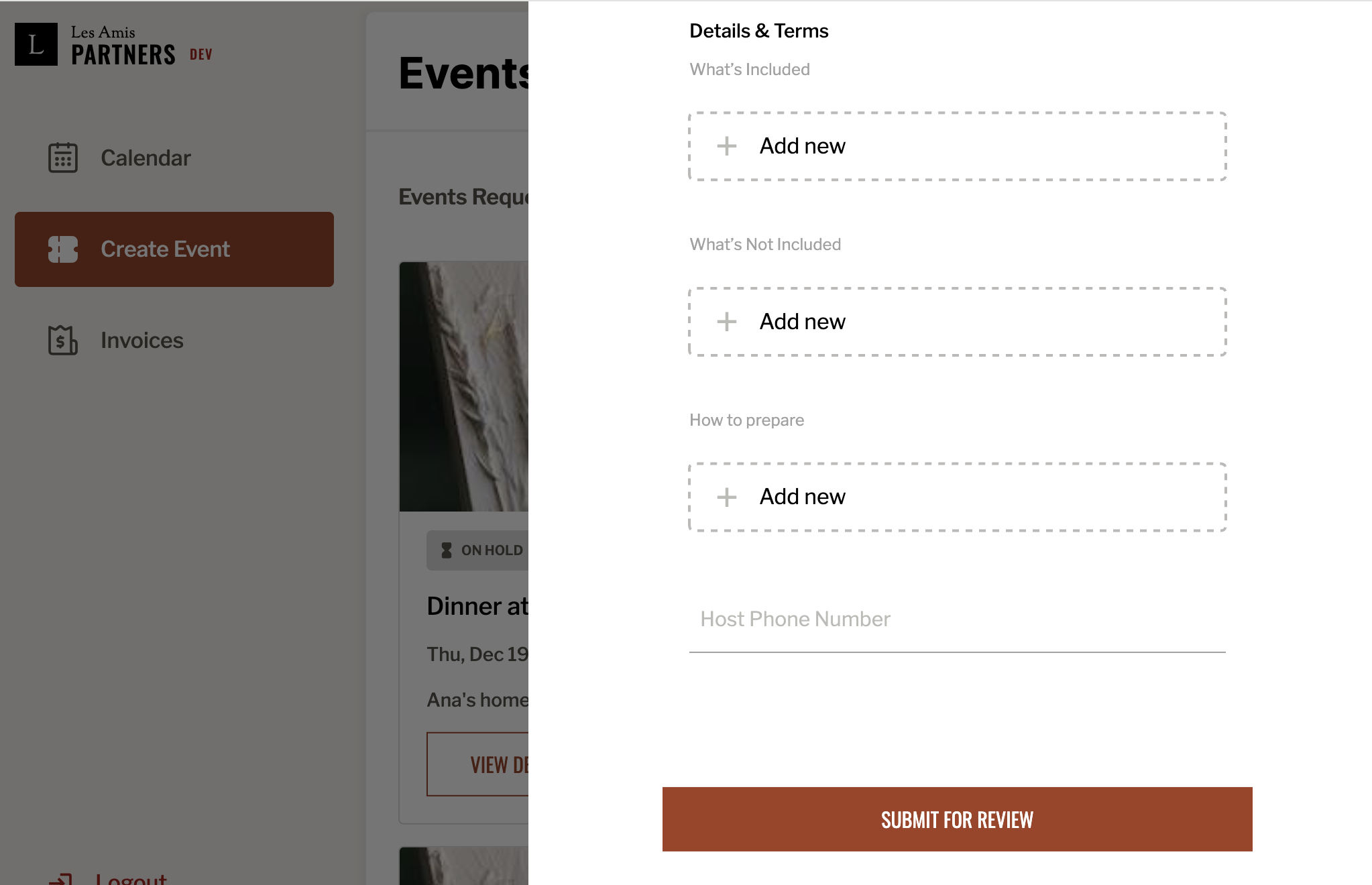
In the Details & Terms section, include what is or isn’t provided—such as if attendees need to bring their own yoga mats or water—and any tips for preparation. Be sure to include your phone number so members can contact you for assistance or clarification.
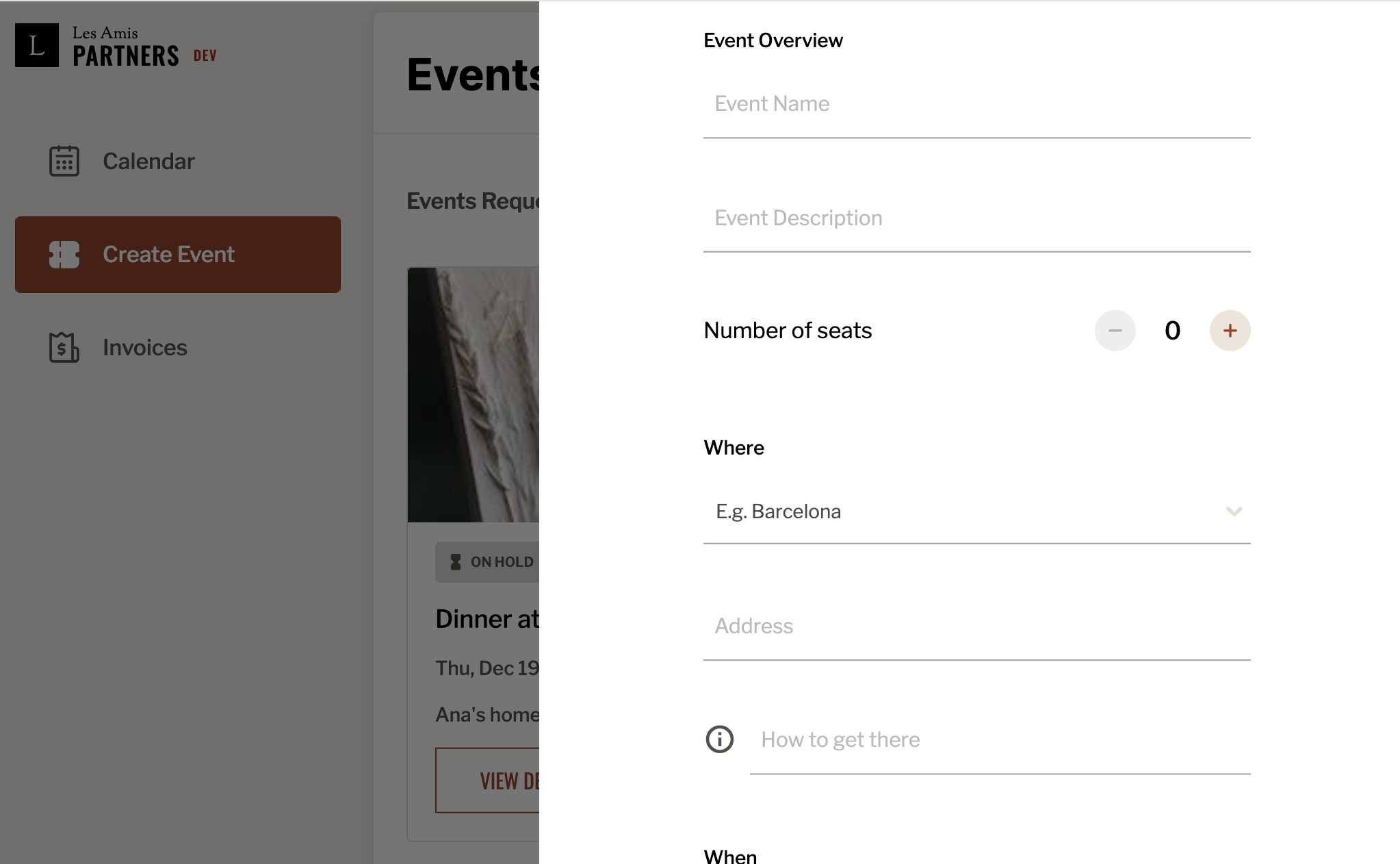
Finally, give your event an appealing name and write a clear, engaging description. You may use AI tools to help with the wording. If the venue is difficult to find, be sure to add specific instructions in the “How to get there” section to help members locate the event easily.