How do I upload and manage invoices in the Les Amis Partners Portal
The Invoice section in the Les Amis Partners Portal allows you to easily upload and manage invoices for your events. You can group multiple events into a single invoice or organize invoices by month, depending on what works best for your workflow.
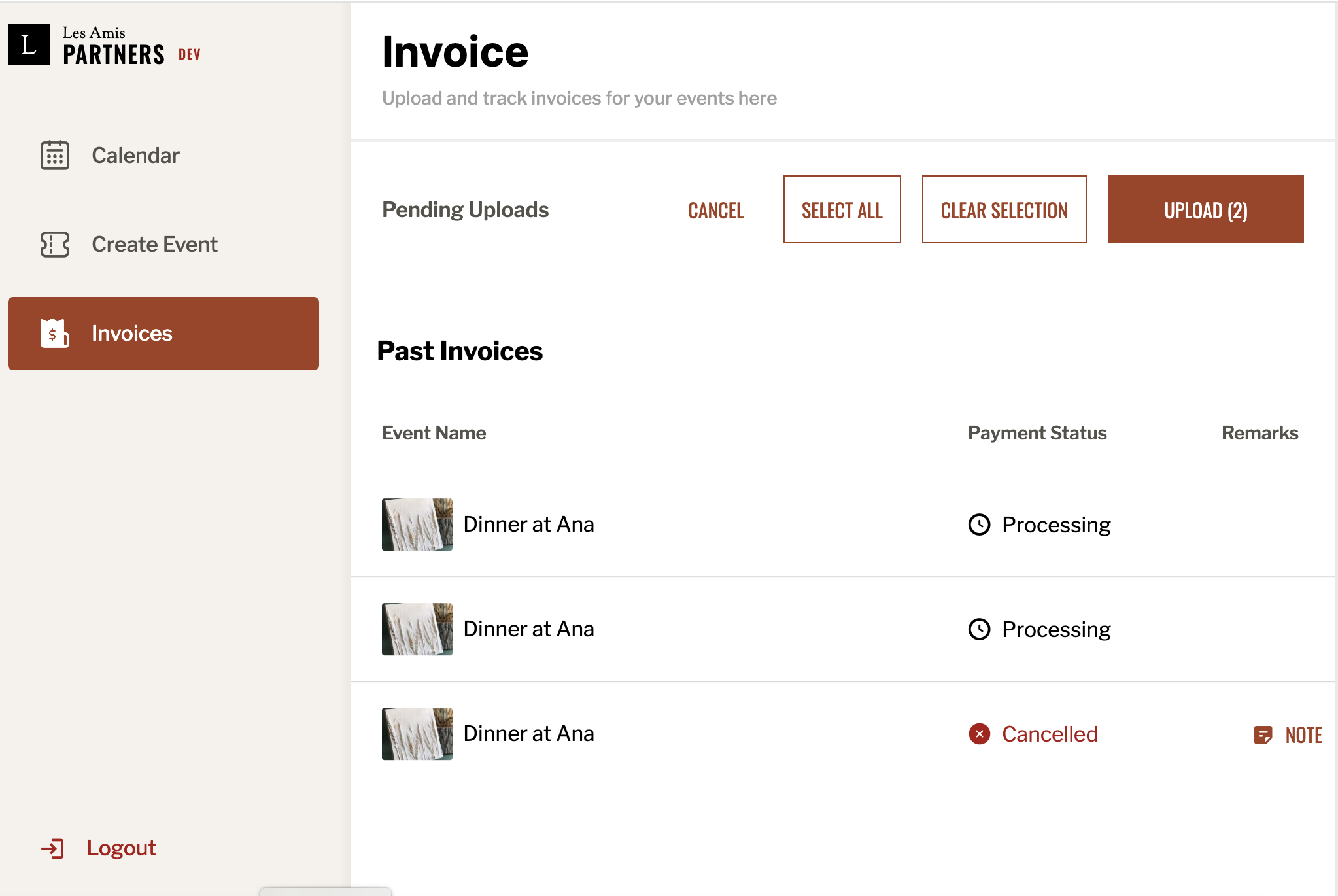
Under the Pending Uploads section, you’ll see a list of events available for invoicing. You can select one or more events by clicking the checkboxes next to each. For convenience, you may group events from the same month or city (if you run events in multiple cities) into one invoice.
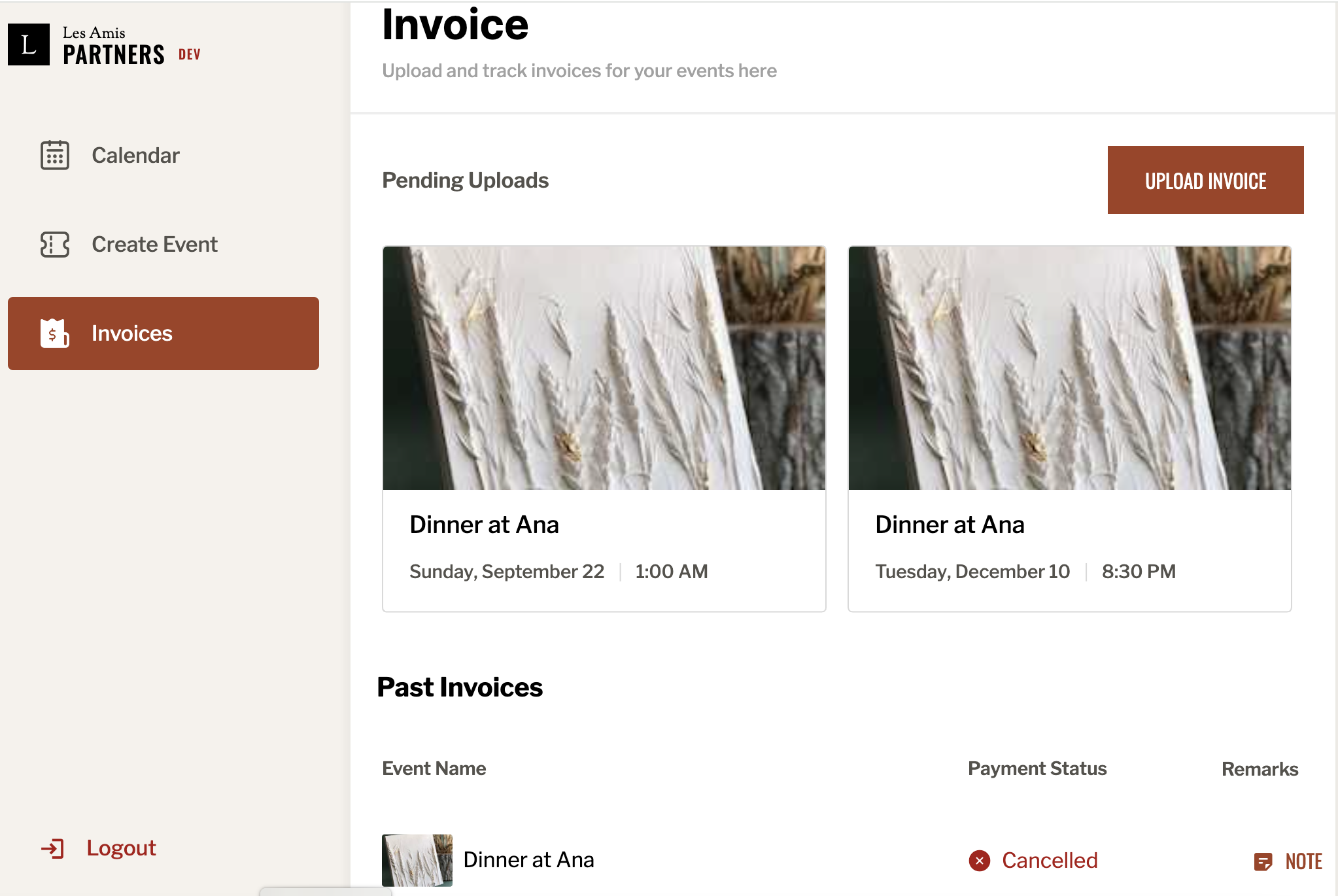
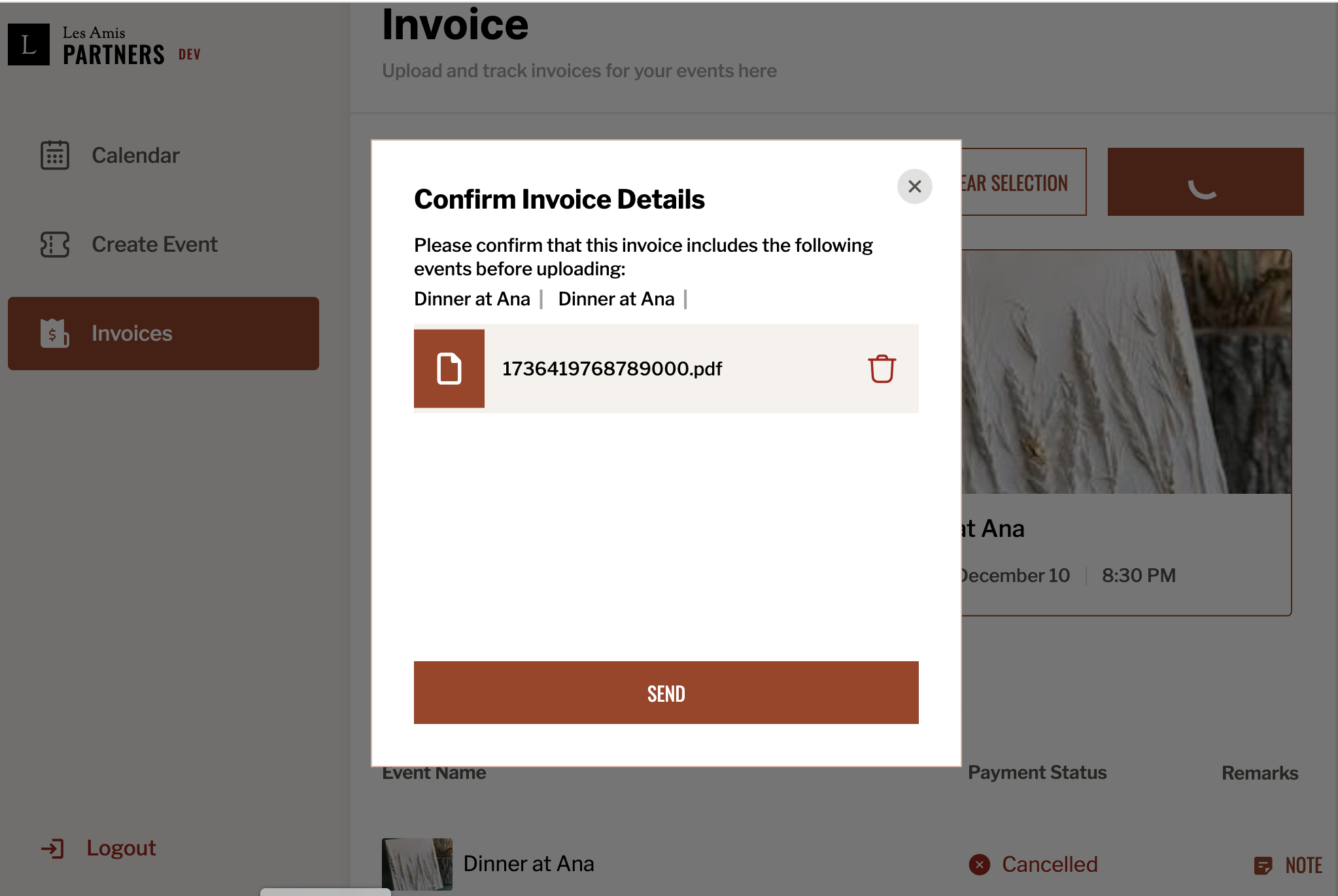
Once you’ve selected the events, click the Upload button. A confirmation dialog will appear, showing the selected events. Review the details to ensure they’re accurate, then attach your invoice file (PDF or other accepted formats) by clicking on the upload area. Make sure the invoice matches the selected events. Click Send to finalize the upload.
After submitting, your invoice will appear in the Past Invoices section, where you can monitor its payment status (e.g., “Processing,” “Cancelled,” or “Paid”).